



Keep your notes on the page
Write beside what you’re reading. Your notes return when you revisit the page.
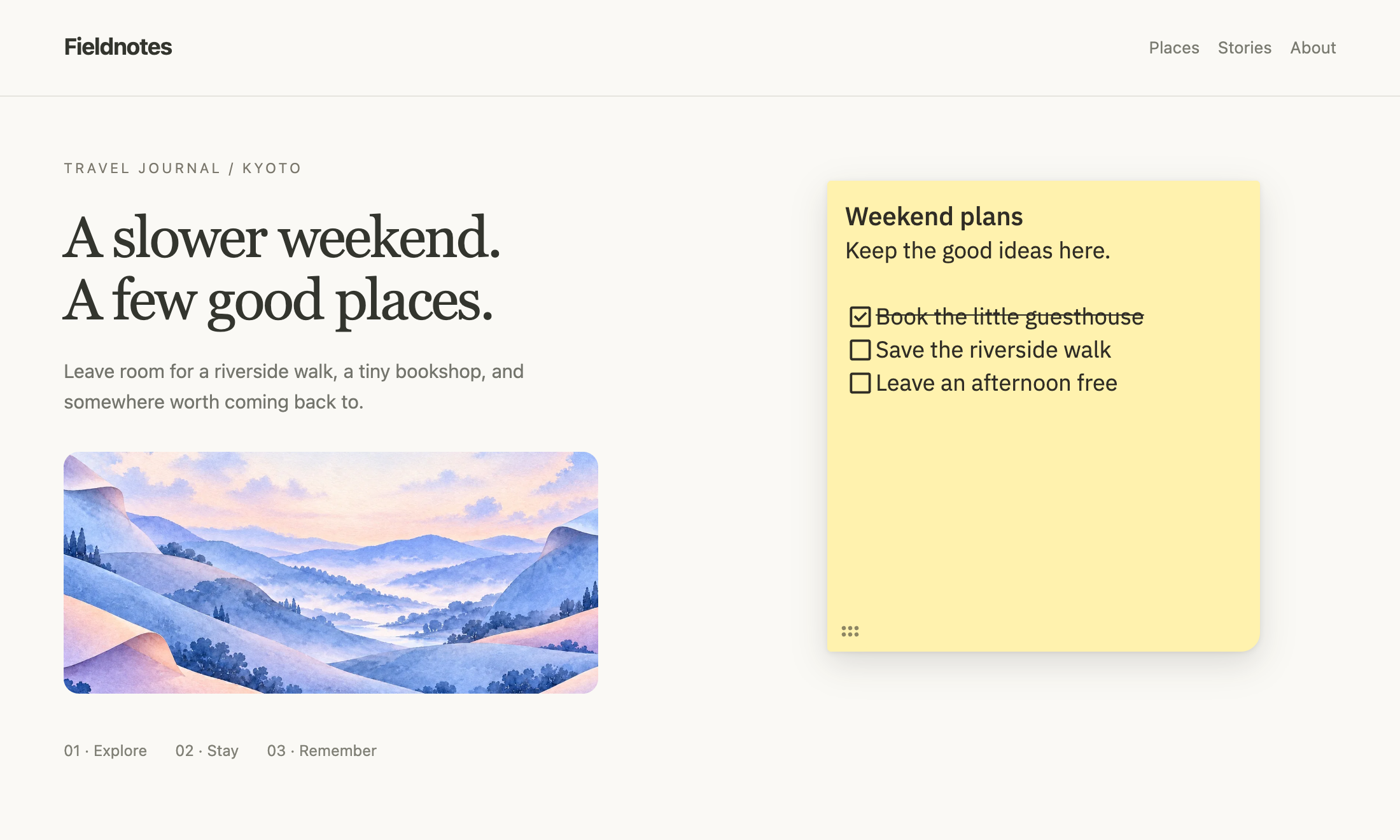
Write beside what you’re reading. Your notes return when you revisit the page.
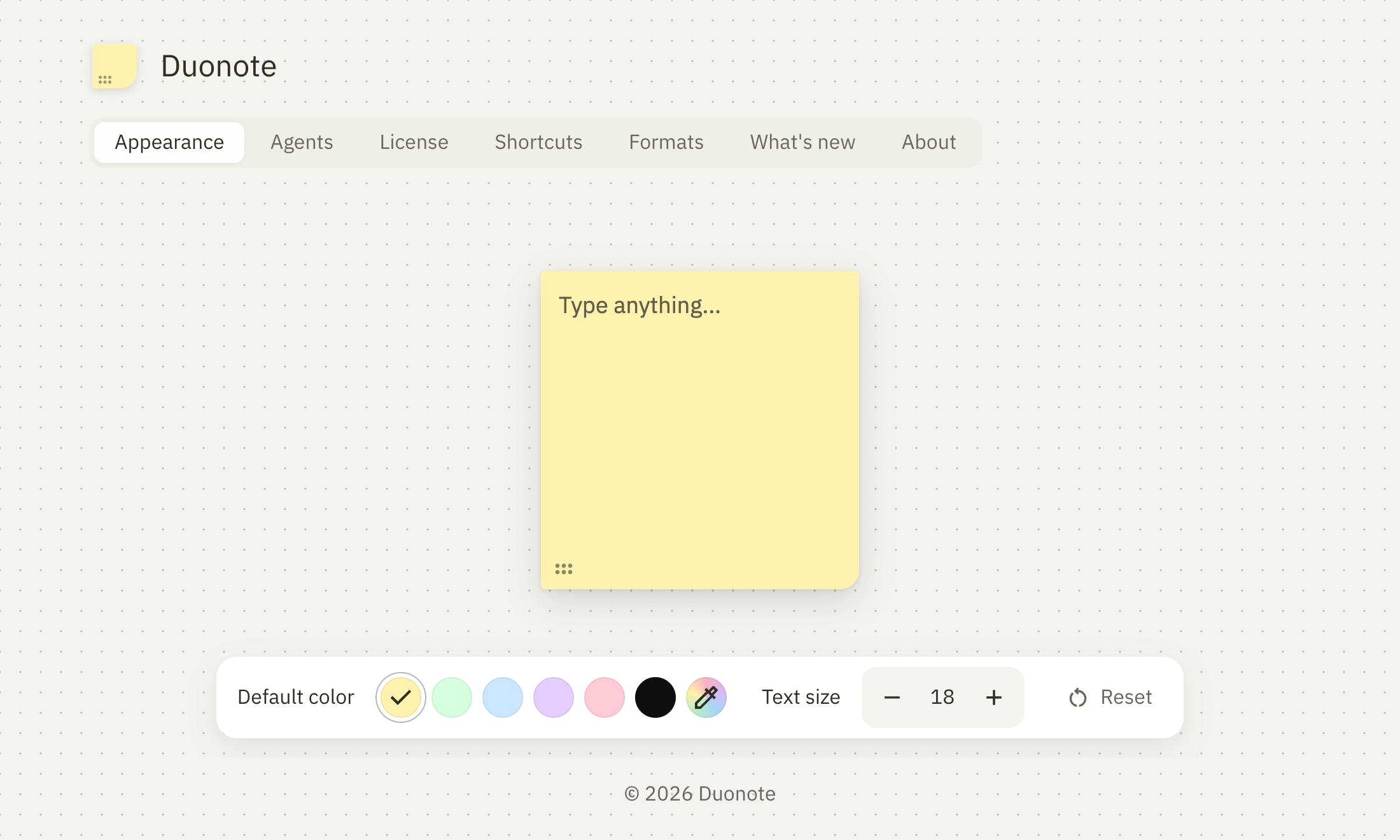
Choose your colors and text size. Make space for your ideas, your way.
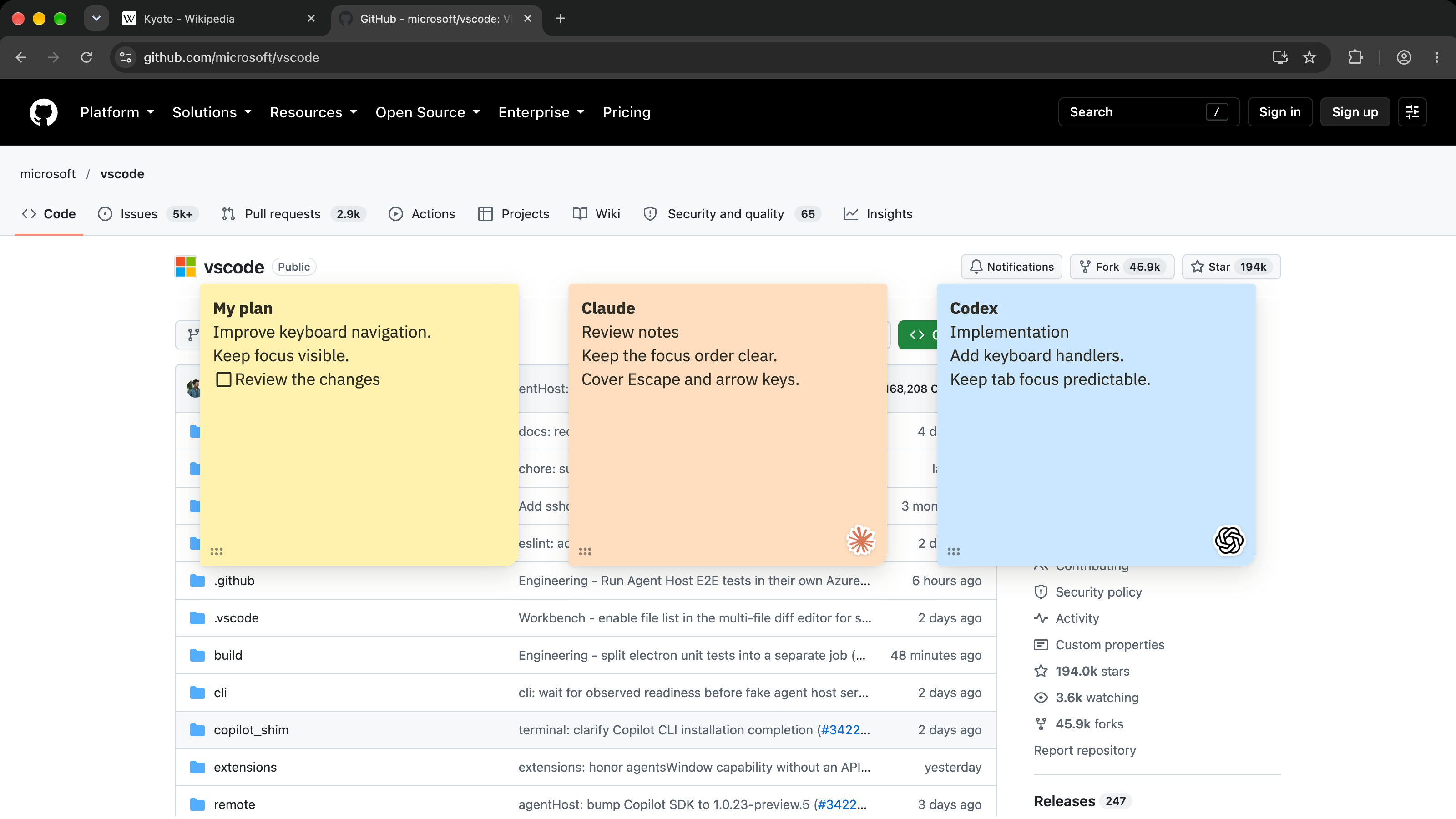
Connect Codex or Claude to read, create, and update notes on the same page. Agent connections are optional.
Select text on a webpage, then right-click to save it in a note with supported formatting.
Bring text and images into your notes. Your saved pictures stay with the note.
Start a note from the keyboard, then click where you want to place it.
Use headings, bold, italic, lists, checklists, links and dividers.
Change the size of selected text, without resizing the rest of your note.
Choose a preset or make your own. Text adapts to keep your note readable.
Drag your note by its dotted handle and resize it to fit your space.
Copy a note’s content or duplicate the whole note to keep working from it.
Hide notes until you need them. Bring overlapping notes forward or send them back.
Download a note as a .md file, with any pictures saved alongside it.
Write without an account or internet connection. Notes are saved in your Chrome profile.
Mix Arabic and English, with text direction set for each paragraph.
Duonote is a Google Chrome extension for notes on webpages. Keep a checklist beside a task, leave feedback on a design, or save research alongside its source. Notes are stored in your Chrome profile. You can write them yourself or connect an AI agent to read, create and update them.
Yes. Notes are saved in your Chrome profile and return when you revisit the page’s saved URL, even after restarting Chrome. Open notes also stay with their tab as you browse.
Choose a preset or custom color, change text size, and drag or resize each note. Add headings, bold and italic text, links, bullet and numbered lists, and checklists. You can also duplicate notes or download them as Markdown.
No. You can create and edit notes yourself, without an agent or an account. Manual notes work offline, too.
Connect an agent in Settings → Agents and approve access in Chrome. Codex and Claude Code can use the local MCP connection to read, create and update notes. Claude web and desktop use a separate hosted connection where configured. See the Codex and Claude setup guide.
Your notes are stored locally in your Chrome profile, with no cloud sync. When you connect an agent, the note content and page URLs it requests can be shared with that AI provider. Notes displayed on a webpage are part of that page, so avoid putting secrets in them.
Duonote is built for desktop Google Chrome, version 120 or later. It works on ordinary webpages where the extension has permission to run. Chrome blocks extensions on its internal pages and the Chrome Web Store. See supported pages.
Yes. You can keep one saved note for free per Chrome profile. A license removes the note limit. Hidden notes still count toward the free limit.
No. A Duonote license costs $9.99 USD once, with all future updates included. After purchase, enter your key in Settings → License to activate it. Initial activation needs an internet connection.